Canova Museum Take 3

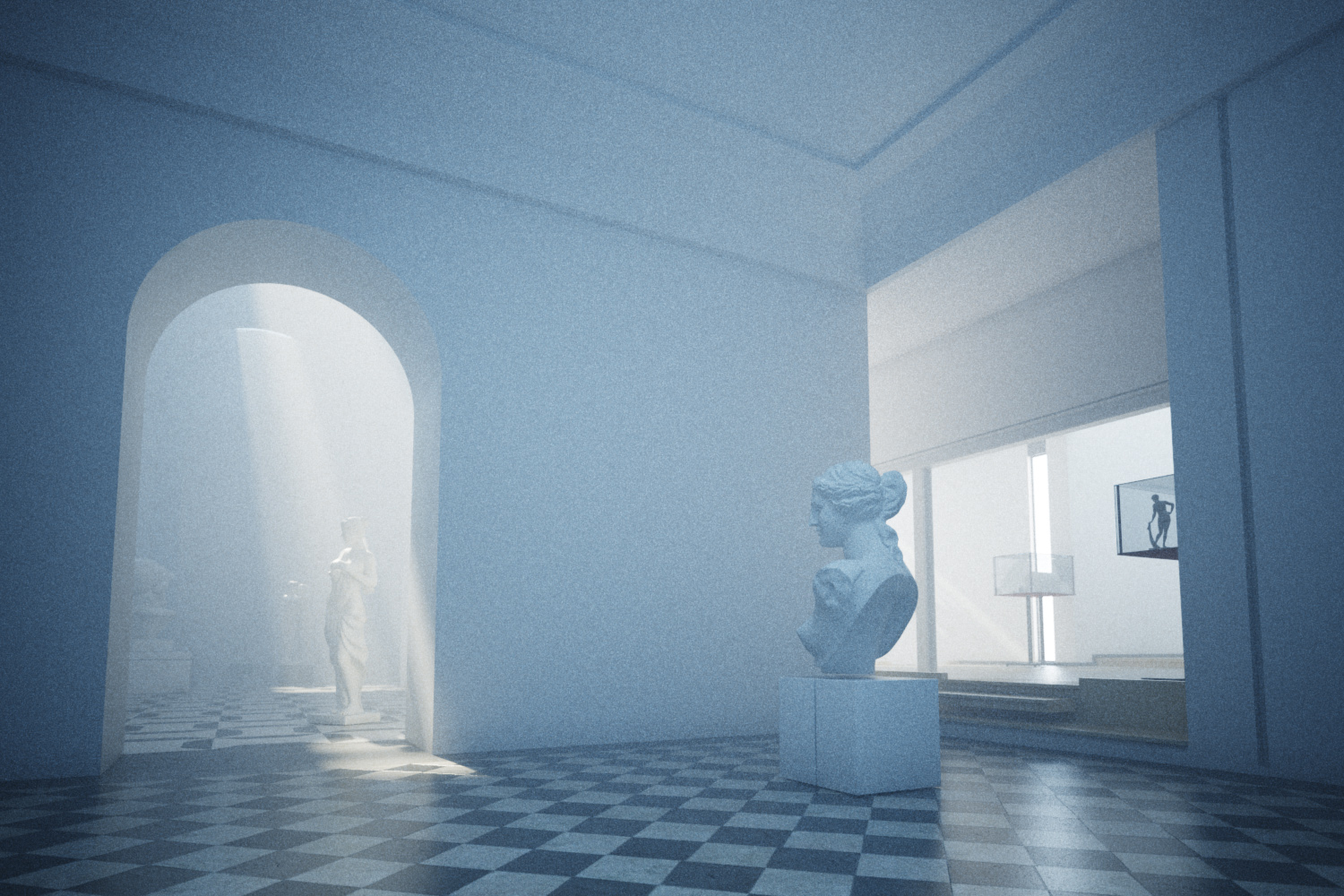
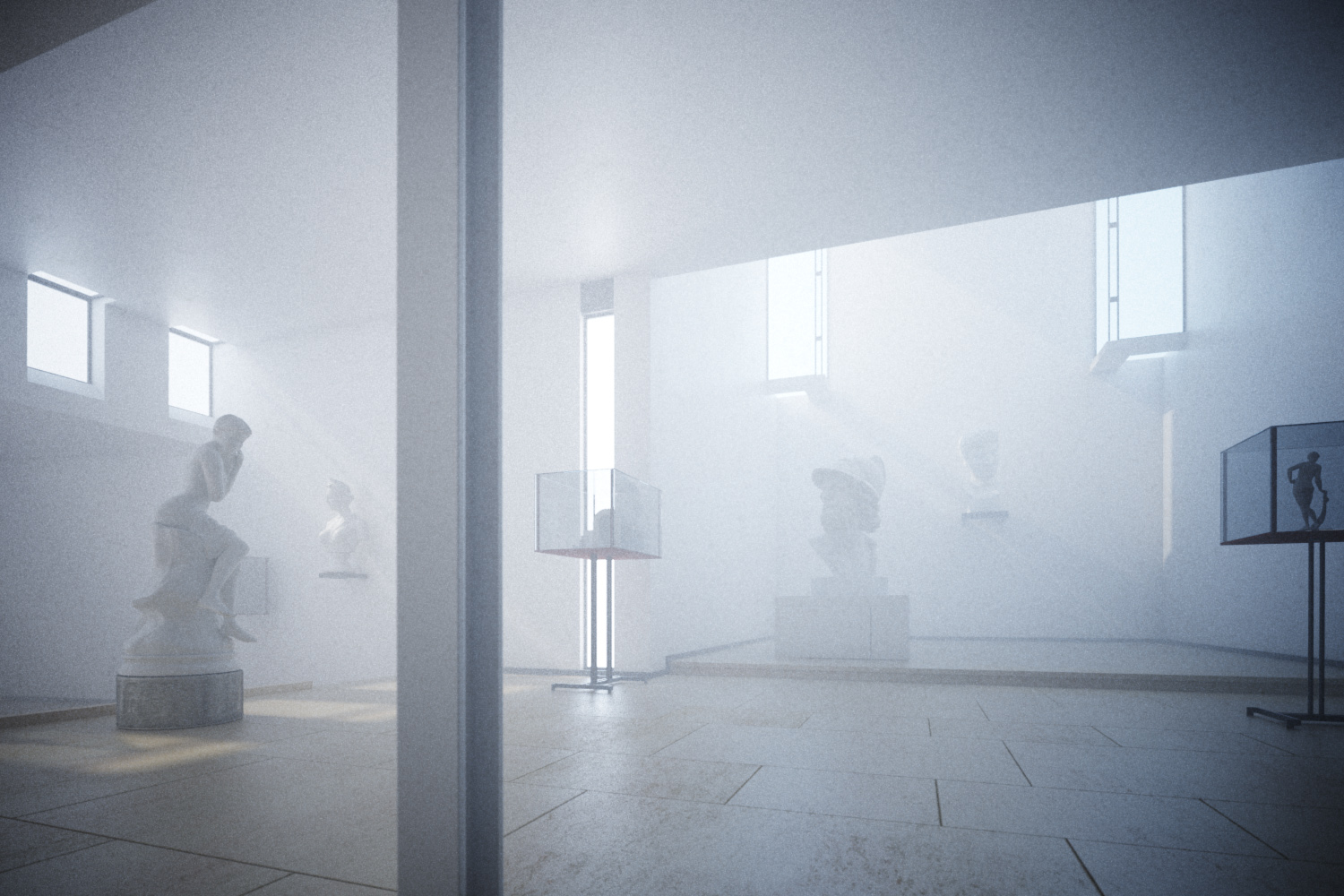
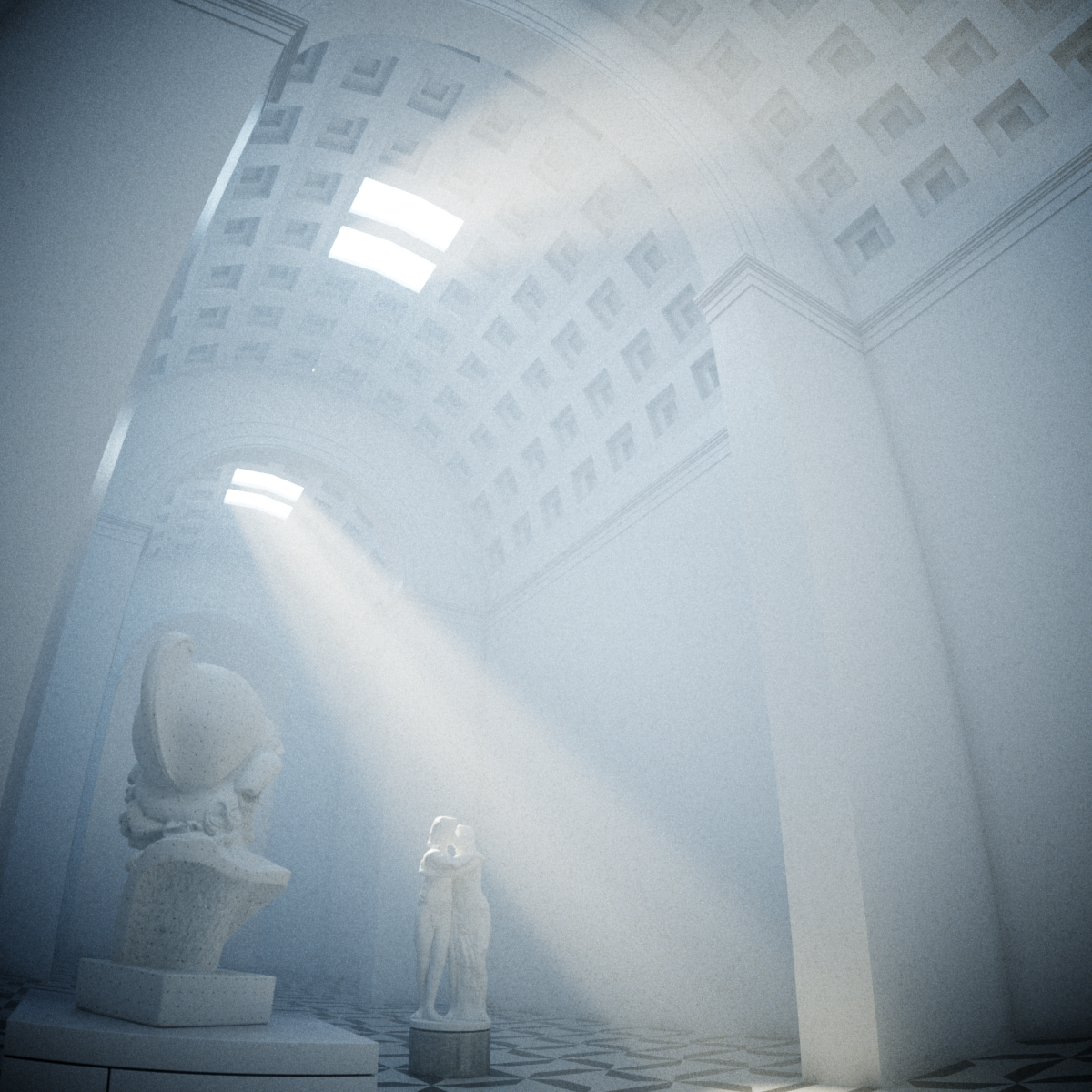
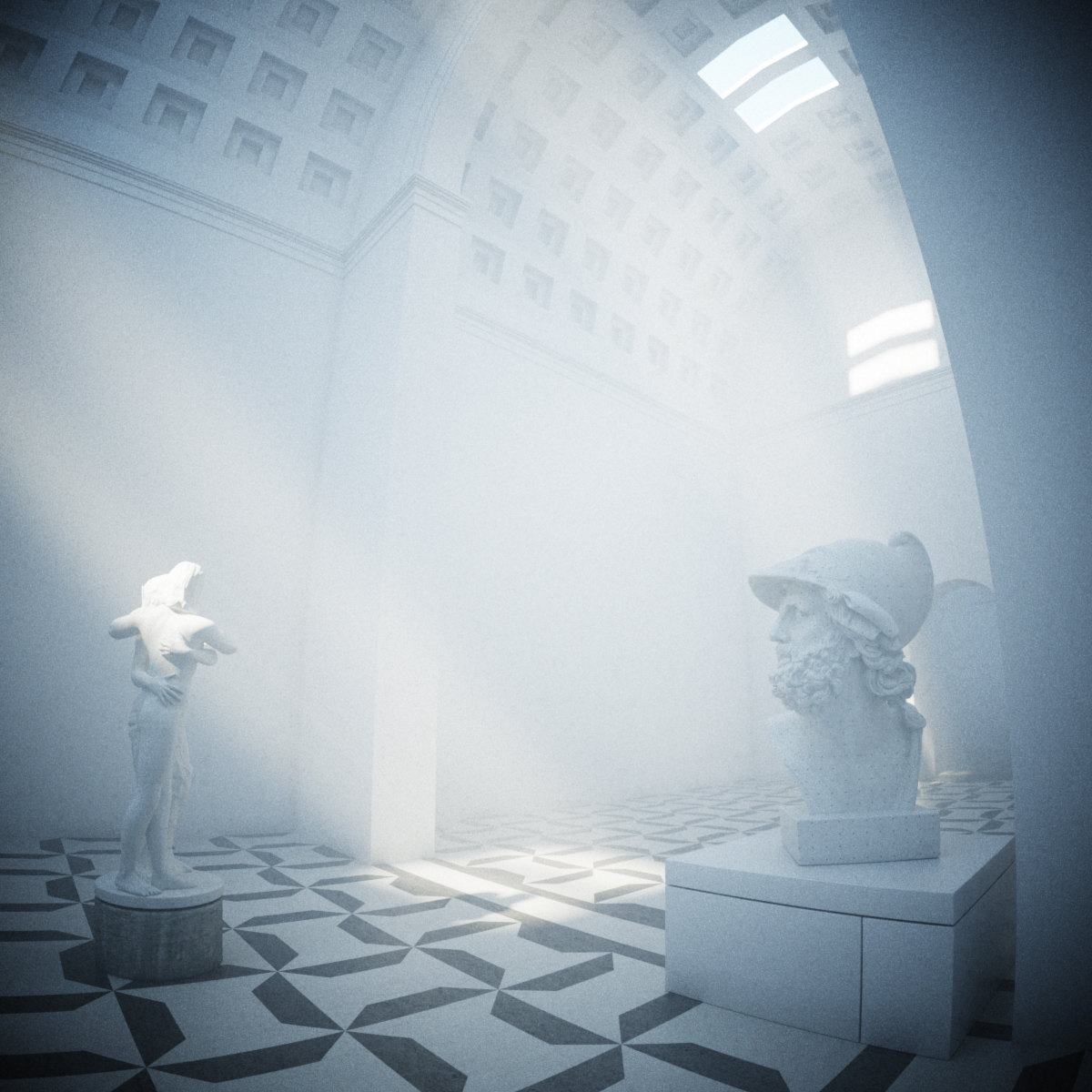
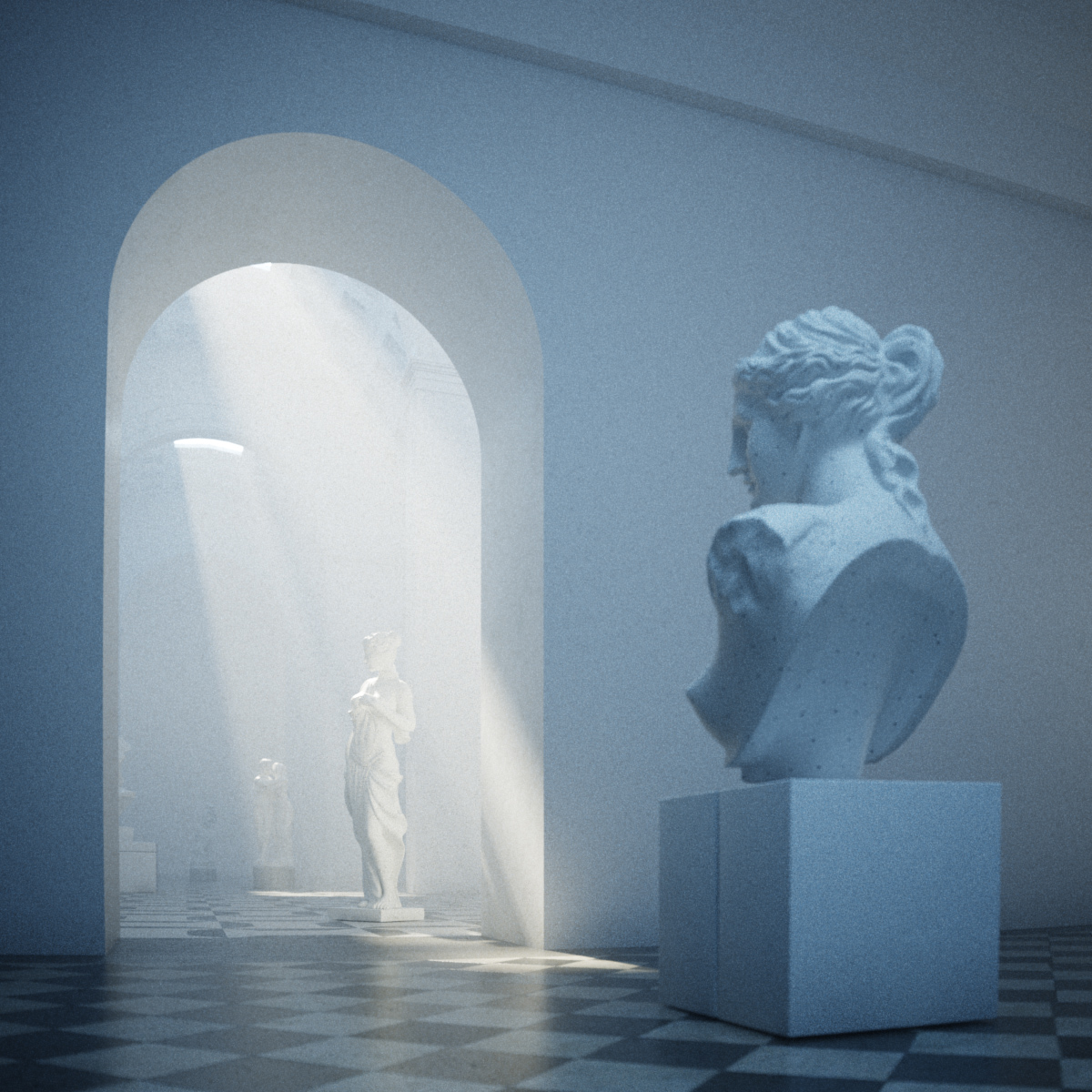
A scene I keep coming back to, this time to test out the new atmospherics capabilities of the recently released vray 1.5 SP3 for 3dstudio max.
1200camB

1200camA

1200camC

1500camD

1500camE

These renders are straight out of 3dsmax, I used vray for the depth of field (lack of), vignetting, distortion & fog.

The steps for setting up the environment fog in 3dsmax couldn’t be simpler: I just added a VrayEnvironmentFog effect in the environment & atmospherics window (8), set the density to 20,000 (20 metres), enabled scatter GI (100 bounces) and set the fog height to cover the whole building. Plus, from the vray manual: “When using VRayEnvironmentFog, it is recommended to turn on the Optimized atmospherics evaluation option in the System rollout of the V-Ray settings.”

It is also possible to shape the fog by assigning procedural maps to change the density. Here is a nice tutorial by Francesco Legrenzi on using VrayEnvironmentFog to make clouds: Legrezni Studio Forum

The sketchup model for the Scarpa scene is available to download on pushpullbar. Or you can grab it here.

Tags: , , ,

Comments

  1. woow, peter!

    i can see that v-ray fog is in + your incredible visualization skills…..!

    looks amazing…!

    wish it was there for that church image, when the only way to get it was to go through a tedious photoshop procedure to compose it from scanline fog and vray render…… (-:

  2. pierre forissier

    It is Stunning Pete!!

    Any chance to get non homogenous density with Vray as this would add realism (it seems that real fog moves in slow waves in life)

  3. here’s an earlier test with a noise map controlling the density:

    I thought it looked a bit strange..

  4. I’m not sure to understand how you got this result. Do you mean that you turned the Indirect illumination off in vray rolllout ? or is it scanline rendering ?

  5. If you are referring to the comment I left with the noise mapped fog, then its the same as the main renders, just a exposed a bit darker. Indirect Illumination is still on, I just added a noise map to vary the density of the fog. I might try make it look more natural and then will post the settings.

  6. simplychen

    are you experiencing a longer render time with a texture mapped control on either of the three settings? a simple scene i had took a bit of time to wait for it to calculate

  7. Looks awesome, but I can’t seem to replicate. What light setup did you use here? Just vray sun. I’m trying to get it to work in an exterior scene, but the fog just floods the scene.

  8. I like so much all you made.
    The mood is very interesting.
    I’d try to do environment fog but it’s not easy.
    Cheers

    Tony
    http://www.tdt3d.com/portfolio_image.php?hub=29971&pic=5810

  9. Hi Peter,

    How did you achieve the volume of light coming through the windows?

    I followed your tutorial which gives me nice results of general fog but it doesn’t give me volume coming throuhg my window.

    Some pointers would be brilliant.
    Thanks!

  10. Hello Peter!

    Firstly, thanks for great tutorials.

    I tried to follow this one, but the estimated rendering time is 596hours… I have medium settings, 1000light cache, medium irradiance, 50 subdivs… also I do not think there is problem in hardware I have got core i7.

    So can you help me? What settings should I change to get some “normal” rendering time? How long does it take when you was making these renders?

    Thanks

  11. I there peter…
    From long I’ve been looking to your renders for some inspiration!
    And now i’m trying to achieve this volume effect with the lights but, although i can activate the vrayenvironment fog, I can’t pull the fog inside the building.
    Is there any tweek we must activate in order to do this…
    Thankx!

  12. @worth its very hard to say, vray is very well optimized in rendering fog (check you have the optimized atmospherics switch on in vray settings) have you tried it with and without fog to compare times?

  13. @Joao no it should work inside too, you might need to up the density though

  14. @peter: optimized atm. is switched on. if i am rendering with inactive fog, rendering time si about 2,5hours. when i turn fog on, after 6 hours of rendering it shows 596hrs left…

    i do not want to bother you, but if you have som spare time, check my printscreen, please. there is my vray fog settings, maybe you will see what is wrong right away.

    http://img839.imageshack.us/img839/2309/vrayfog.jpg

    thx

  15. Hey Peter, I Can get the fog working, but I cannot seem to get it as pronounced as yours. Any tips?

Leave a Comment